The politics of saving
Simple stuff made complicated
It used to be a floppy disk icon
Do you want to save?
The simple pattern of a user saving a change in a digital product seems to be straightforward, but it will fight you back.
Or at least, it has fought me back more than a few times. The reason is that every implementation carries its own emotional baggage of trade-offs: usability, user control, business logic, design systems, and more.
If I had a euro for every time this topic came up during refinement, I would not be very rich, but it has happened often enough to justify collecting the pros and cons of the different patterns here, so I do not risk following the white rabbit into the same hole again and again.
If I had a euro for every time this topic came up during refinement, I would not be very rich, but it has happened often enough to justify collecting the pros and cons of the different patterns here, so I do not risk following the white rabbit into the same hole again and again.
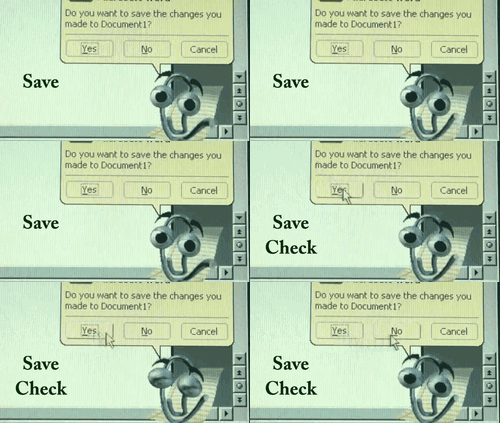
Always on auto-save
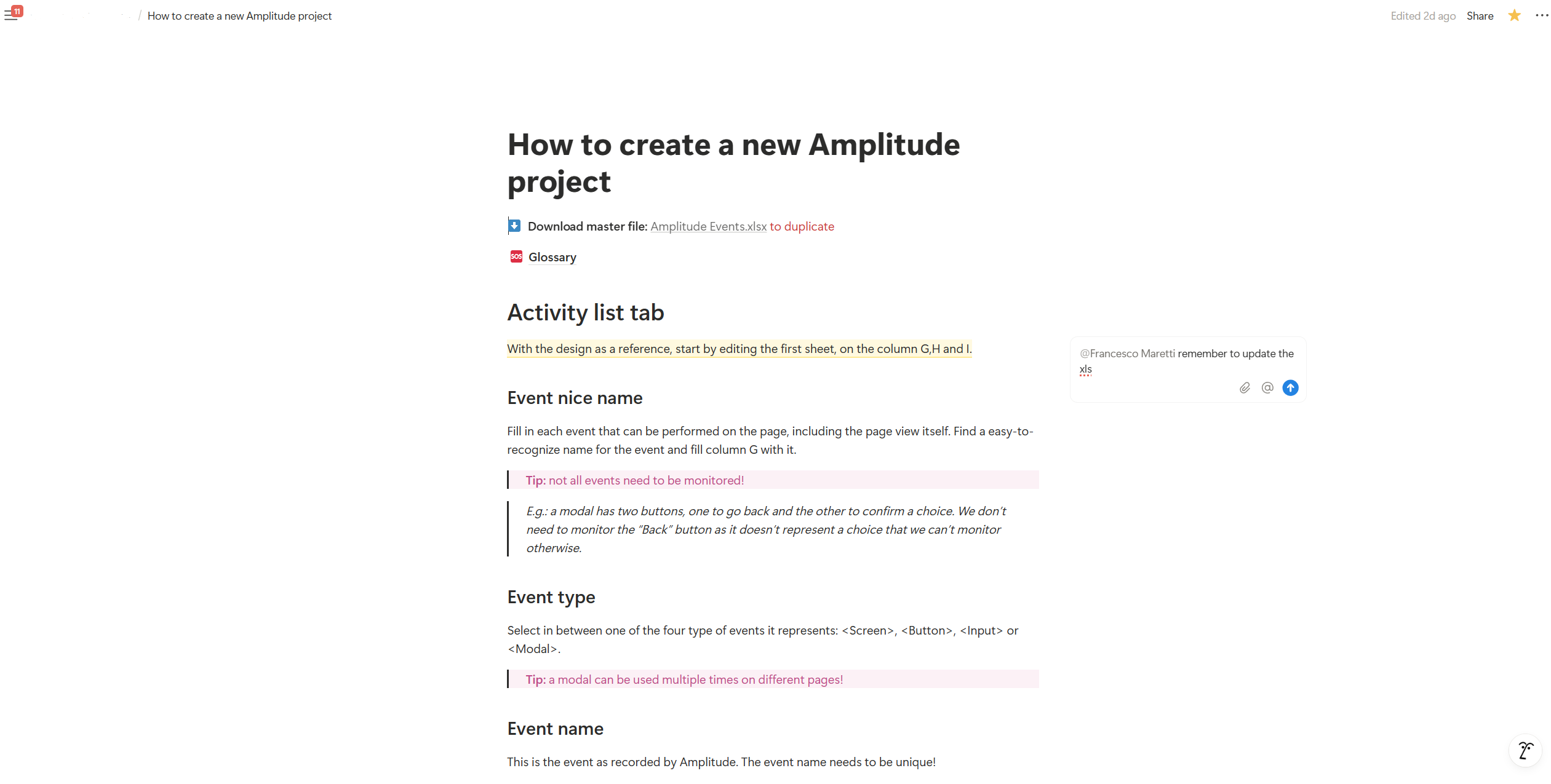
Notions saves comments and new updates live, allowing for multiple users collaboration
Many modern collaborative tools save every change online in real time. This is the case with Figma, Notion, Google Docs, and others.
The benefit is obvious: work is never lost, multiple users can cooperate seamlessly, and in some cases, recent changes are cached offline if the connection drops. What is not to like?
On the flip side, auto-save removes the feeling of control from the user, as if the system itself has its own mind about when to save information. It also turns out that it is not easy to implement. It is up to the system to prevent and handle conflicts, a problem Figma solved by engineering version history checkpoints and merge logic so that auto-save would not overwrite newer changes (explained in a brilliant and very complex article).
The benefit is obvious: work is never lost, multiple users can cooperate seamlessly, and in some cases, recent changes are cached offline if the connection drops. What is not to like?
On the flip side, auto-save removes the feeling of control from the user, as if the system itself has its own mind about when to save information. It also turns out that it is not easy to implement. It is up to the system to prevent and handle conflicts, a problem Figma solved by engineering version history checkpoints and merge logic so that auto-save would not overwrite newer changes (explained in a brilliant and very complex article).
Pros
No lost work: protects against crashes, timeouts, forgotten saves.
Seamless: users can focus on editing rather than managing states.
Collaboration friendly: everyone is seeing the latest status.
CONS
Technical overhead: not easy to implement, requires versioning.
Reduced sense of control: users feel that they don't have control over saving.
Explicit manual save
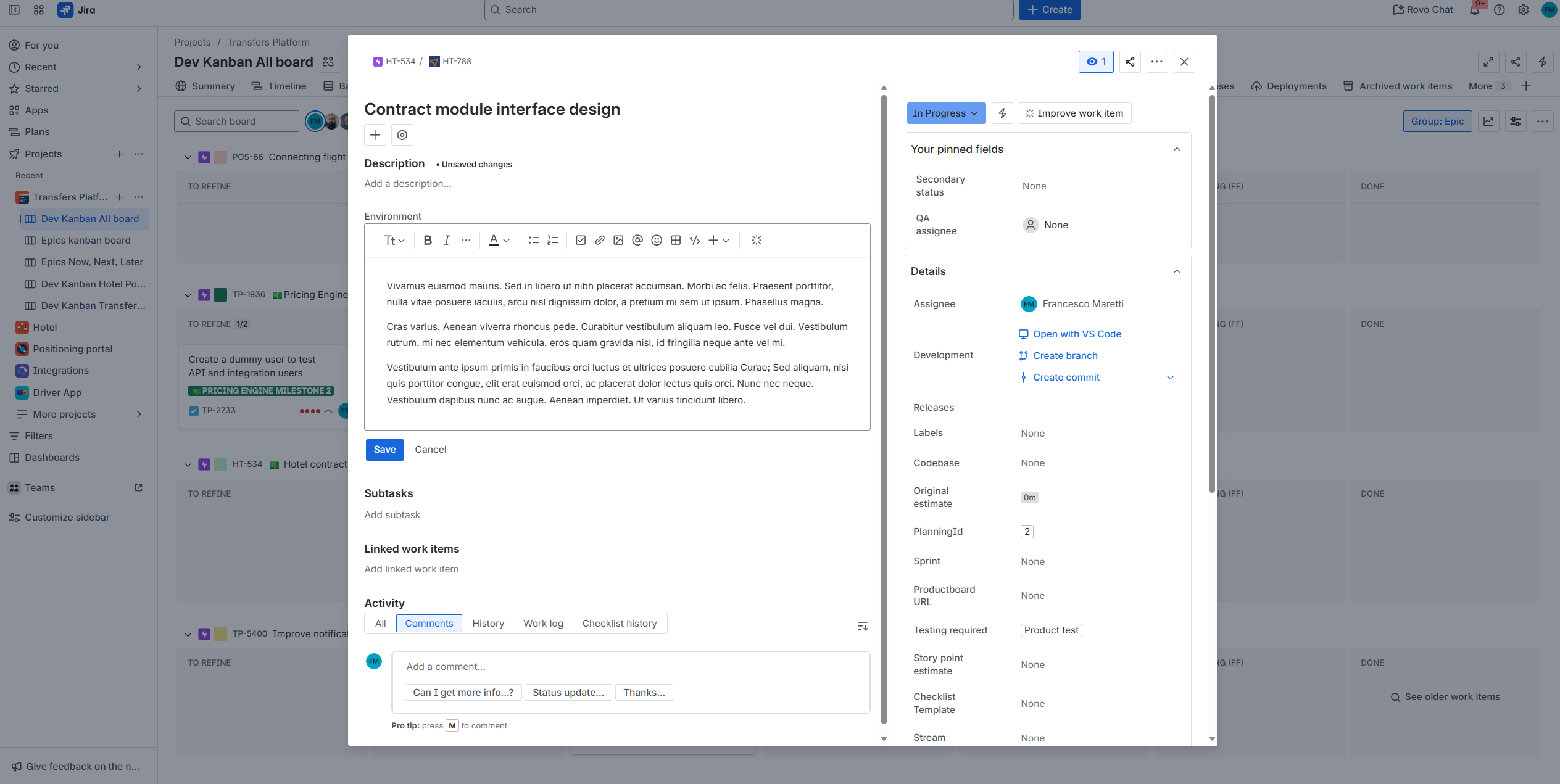
Jira requires you to save your ticket description and I constantly forgot
This is the most common approach in enterprise and admin interfaces, still relying on the good old Save button to save the day. Its immediate benefit is that it gives users control: nothing changes until they commit. The pattern is familiar, and this makes Nielsen, Norman, and their gang happy.
Of course, this approach has its dangers, the biggest being human nature: we forget things and make mistakes.
Since the system does not store changes in the database until the Save button is clicked, it is easy to skip this step and leave the page without committing changes. The obvious solution is to alert users about unsaved changes, which partially solves the issue, but nothing prevents them from closing the browser or ignoring the extra confirmation modal we so carefully designed.
And then there is the question of where the Save button should go, but that is a debate for another time.
Of course, this approach has its dangers, the biggest being human nature: we forget things and make mistakes.
Since the system does not store changes in the database until the Save button is clicked, it is easy to skip this step and leave the page without committing changes. The obvious solution is to alert users about unsaved changes, which partially solves the issue, but nothing prevents them from closing the browser or ignoring the extra confirmation modal we so carefully designed.
And then there is the question of where the Save button should go, but that is a debate for another time.
Pros
User control and review: nothing changes until the user decides so.
Clear handoff moment: saving is a clear checkpoint.
It's familiar: it is one of the most familiar patterns a user can meet.
CONS
Risk of lost work: it requires users to perform the action of saving.
Extra friction: not optimal for when the saves are frequent.
Hybrid save
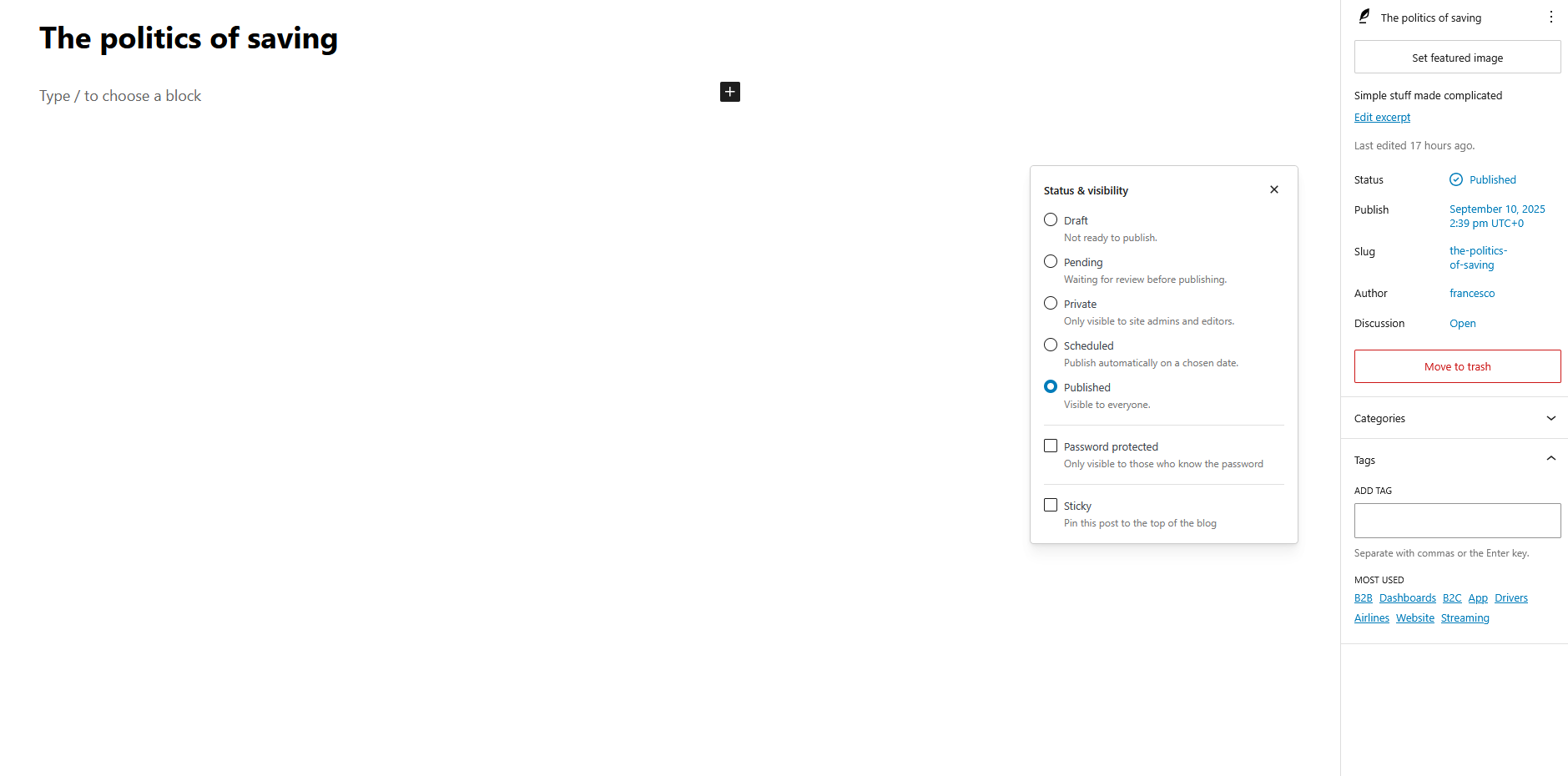
A screenshot of the different draft statuses in WordPress. Looks familiar?
Some products mix the two approaches to balance control and convenience. A common pattern is to auto-save each small change but still require users to Save or Publish the content for global impact. This is common in content management systems such as WordPress.
Because it combines the best of both worlds, it feels familiar like manual save, but with the added benefit of being collaboration-safe and resilient to errors. It looks like the perfect solution.
Unfortunately, it comes with its own downsides: you now need to introduce an extra state, the draft. This limbo between “not saved” and “published” requires conflict prevention, history checkpoints, and all the complications of auto-save. And just like with manual save, users can simply forget to commit their changes.
Because it combines the best of both worlds, it feels familiar like manual save, but with the added benefit of being collaboration-safe and resilient to errors. It looks like the perfect solution.
Unfortunately, it comes with its own downsides: you now need to introduce an extra state, the draft. This limbo between “not saved” and “published” requires conflict prevention, history checkpoints, and all the complications of auto-save. And just like with manual save, users can simply forget to commit their changes.
Pros
Best of both worlds: protects users from data loss while still giving them an handoff moment.
Support mental models: users are still in control of the Save button.
Error resilient: allows users to experiment before committing a change.
CONS
Complexity of states: marks a distinction between draft and live status.
Hard to implement: still requires to handle version history, conflicting statuses etc.
Still require user action to save: auto-save doesn't mean "done".
So many options
Which one to pick?
There is no one-size-fits-all answer. Auto-save offers speed and safety, manual save gives control and clarity, and hybrids provide a middle ground with drafts and publishing. In B2B dashboards or admin products, a clear Save action is often the most practical choice because it matches expectations and reduces risk. In contrast, when collaboration or real-time visibility is core to the experience, live or hybrid saves become almost unavoidable, even if they demand heavier engineering.
As designers, our responsibility is not to pick the “best” model in the abstract, but the one that respects our users’ mental models and fits the product’s context. Every option comes with trade-offs: usability, trust, technical effort, and business risk. A save pattern that feels natural in a design tool may be disastrous in a financial dashboard, and vice versa. What matters is clarity and alignment. Saving is not just a technical decision, it is a product decision, one that defines how much control we give users, how much risk the business is willing to accept, and how much complexity we can afford to build.
As designers, our responsibility is not to pick the “best” model in the abstract, but the one that respects our users’ mental models and fits the product’s context. Every option comes with trade-offs: usability, trust, technical effort, and business risk. A save pattern that feels natural in a design tool may be disastrous in a financial dashboard, and vice versa. What matters is clarity and alignment. Saving is not just a technical decision, it is a product decision, one that defines how much control we give users, how much risk the business is willing to accept, and how much complexity we can afford to build.